Welcome to GPU Stress Test, the premier GPU benchmark platform featuring advanced Volume Shader technology. Our Volume Shader BM (Volume Shader Benchmark) utilizes cutting-edge volume rendering techniques to thoroughly test your graphics card directly in your browser. Whether you are an overclocker testing stability, a gamer diagnosing crashes, or a PC builder verifying a new rig, our platform provides instant, reliable results without any downloads.
Why Use Our GPU Stress Test Tool?
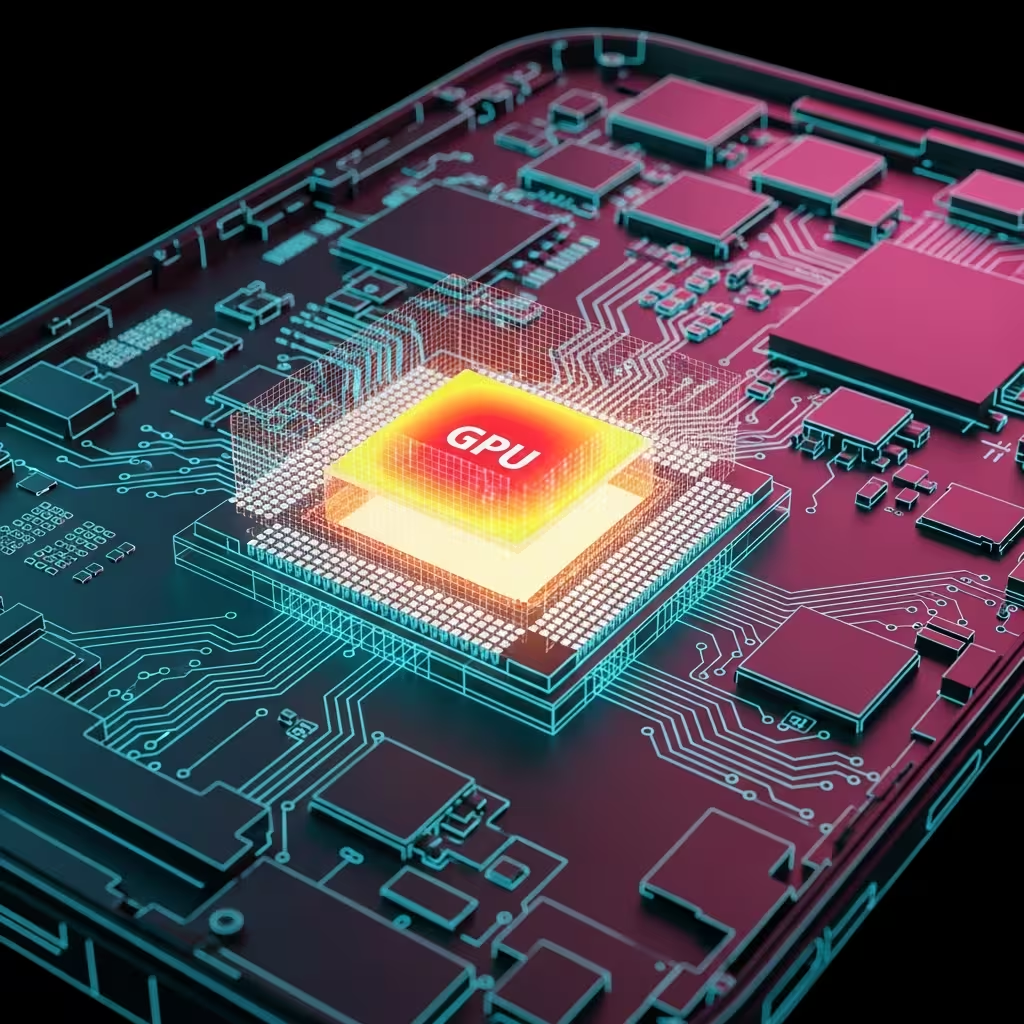
Graphics Processing Units (GPUs) are complex pieces of hardware designed to handle massive parallel computations. Over time, thermal paste degrades, cooling fans accumulate dust, and silicon can degrade. A rigorous GPU stress test pushes your card to its absolute limits, revealing artifacts, thermal throttling, or system instability that might occur during intensive gaming or rendering tasks. Our free online tool makes GPU testing accessible to everyone.
Volume Shader BM: Advanced Volume Rendering Technology
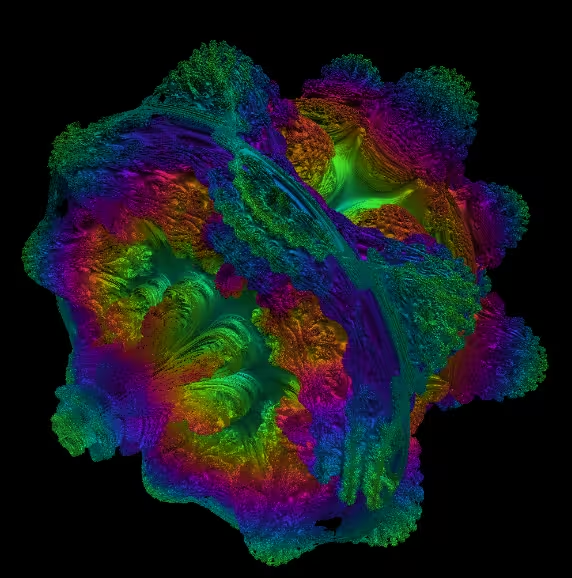
Our benchmark engine is powered by Volume Shader BM (Volume Shader Benchmark), a sophisticated volume rendering tool that creates intensive GPU workloads. Unlike simple geometry-based tests, Volume Shader technology utilizes volumetric raymarching within the fragment shader. This computationally demanding technique forces every core of your GPU to calculate complex light paths through a simulated volume, ensuring a consistent, high-load scenario ideal for testing thermal performance and power delivery systems.
GPU Stress Test for Gamers
Ensure your GPU won't crash during competitive gaming. Use Volume Shader BM to verify stable overclocks before entering matches.
GPU Benchmark for Creators
Validate system stability for long render sessions in Blender, Premiere, or After Effects with our volume rendering stress test.
How to Interpret GPU Stress Test Results
When running the GPU stress test, monitor the FPS counter closely. A stable but low FPS is normal during stress testing with Volume Shader BM. Sudden frame drops or screen flickering (artifacts) indicate GPU instability. If your computer shuts down, your power supply unit (PSU) may be insufficient or your GPU might be overheating. Always ensure proper airflow and cooling before running extended stress tests.
Supported Graphics Cards
Our free online GPU stress test and Volume Shader benchmark supports all major GPU vendors including NVIDIA GeForce (RTX 4090, RTX 4080, RTX 3090, RTX 3080, GTX series), AMD Radeon (RX 7900 XTX, RX 7900 XT, RX 6900 XT, RX 6800 XT), and Intel Arc (A770, A750) graphics cards. No registration, no installation required - just pure GPU performance testing with our volume rendering tool.